
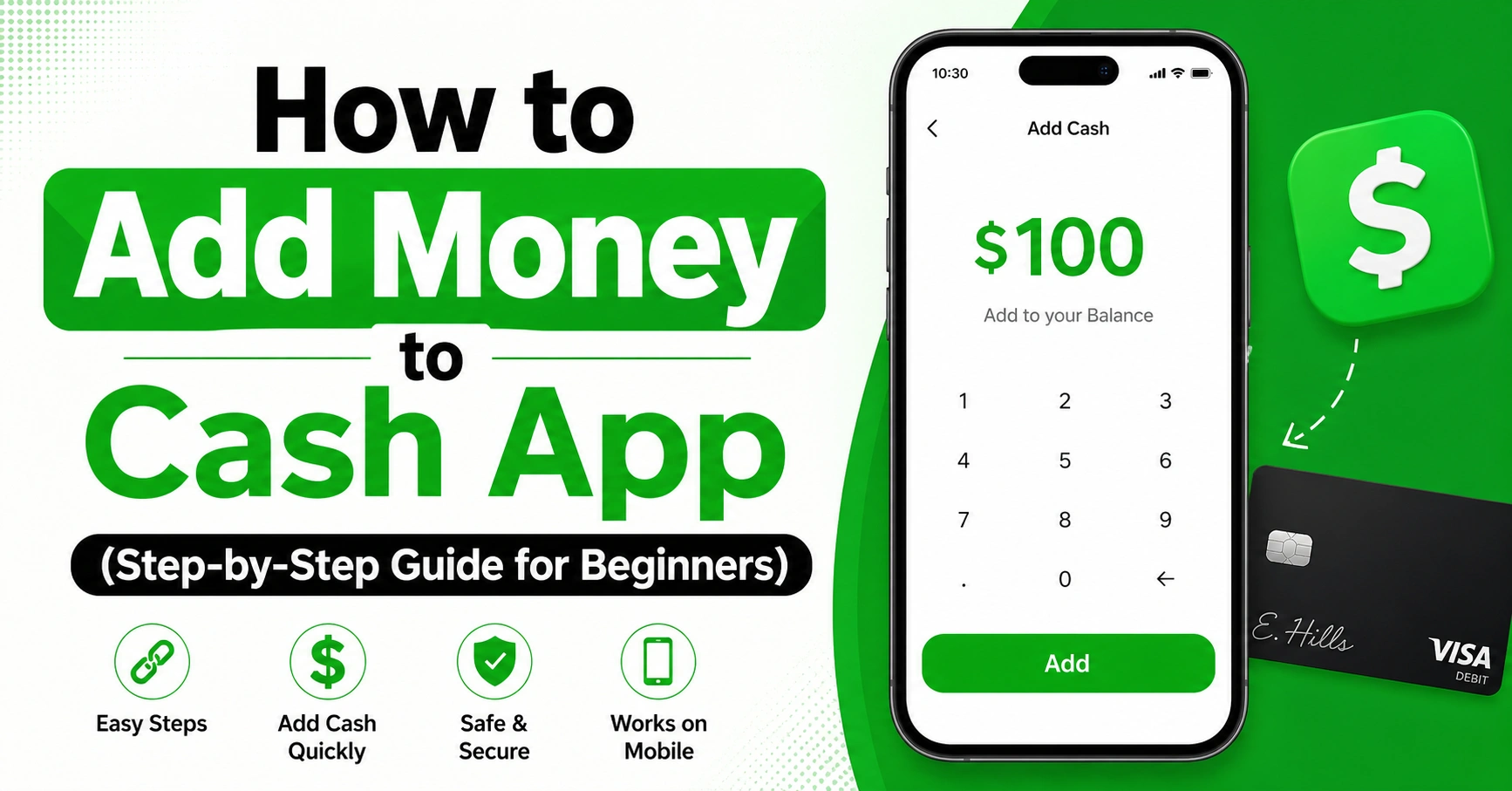
If you’re new to Cash App, one of the first things you’ll want to learn is how to add money to Cash App quickly and safely. Whether you want to send money, pay bills, or shop online, having a balance in your account makes everything easier.
In this complete guide, I’ll walk you through simple methods, real-life tips, and common mistakes to avoid. I’ve personally used Cash App for daily payments, and trust me—once you understand the process, it becomes second nature.
What Is Cash App and Why You Need to Add Money
Cash App is a simple mobile payment app that lets you send, receive, and store money. But before you can use it fully, you need to know how to add money to Cash App.
Adding funds lets you:
- Pay friends instantly
- Shop online or in stores
- Use your Cash App Card
- Avoid failed payments
Without balance, some features won’t work smoothly. That’s why learning this process is important from day one.
Basic Requirements Before Adding Money
Before you learn how to add money to Cash App, make sure your account is ready.
Here’s what you need:
| Requirement | Why It Matters |
|---|---|
| Verified account | Prevents limits and errors |
| Linked bank account | Main source to add funds |
| Debit card | Faster transactions |
| Internet connection | Needed for real-time updates |
If your account isn’t set up properly, adding money may fail or get delayed.
How to Add Money to Cash App (Main Method)
The easiest way to understand how to add money to Cash App is through the app itself.
Follow these steps:
- Open Cash App
- Tap the “Banking” tab
- Select “Add Cash”
- Enter the amount
- Tap “Add”
- Confirm with PIN or Face ID
That’s it. Your balance updates instantly in most cases.
I’ve used this method many times, and it usually takes less than 10 seconds.
How to Add Money to Cash App Card
If you have a Cash App Card, you might wonder how to add money to Cash App card directly.
Good news: it works the same way.
When you add money to your Cash App balance, it automatically reflects on your card.
| Step | Action |
|---|---|
| 1 | Add cash in the app |
| 2 | Balance updates |
| 3 | Card is ready to use |
There’s no separate process. This makes things simple and fast.
How to Add Money to the Cash App Card at Stores
Some users prefer adding physical cash. If you’re asking how to add money to the Cash App card, you can do it at retail stores.
Here’s how:
- Visit a supported store
- Ask the cashier to add money
- Show your Cash App barcode
- Pay in cash
Common stores include convenience shops and retail chains.
This method is useful if you don’t have a bank account.
How to Add Paper Money to Cash App
Yes, you can also learn how to add paper money to Cash App without using a bank.
Follow these steps:
- Open Cash App
- Go to Banking tab
- Select “Paper Money”
- Find a nearby store
- Show barcode to cashier
- Pay cash
Pros and Cons
| Pros | Cons |
|---|---|
| No bank needed | Small fee may apply |
| Instant deposit | Store availability varies |
| Easy for beginners | Daily limits exist |
I’ve seen many users prefer this method for quick deposits.
How to Add Money from Apple Pay to Cash App
Many users ask how to add money from Apple Pay to Cash App.
Here’s the truth:
You cannot directly transfer from Apple Pay to Cash App.
But there’s a workaround:
- Transfer Apple Pay to your bank
- Then add money from bank to Cash App
It’s a two-step process but still works well.
How Do You Add Money to Cash App Without a Bank?
If you’re wondering how do you add money to Cash App without a bank, you still have options.
You can:
- Use paper money deposits
- Receive money from friends
- Use prepaid debit cards
This flexibility is one reason Cash App is so popular.
How Do I Add Money to My Cash App Card Safely?
Security is important when learning how do I add money to my Cash App card.
Follow these tips:
- Use secure Wi-Fi
- Never share your PIN
- Double-check amounts
- Enable notifications
From my experience, small mistakes—like wrong amounts—are more common than fraud.
Common Errors When Adding Money
Even if you know how to add money on Cash App, errors can happen.
Here are common issues:
| Problem | Solution |
|---|---|
| Payment failed | Check bank balance |
| Card declined | Update card info |
| App not working | Restart app |
| Delay in funds | Wait or contact support |
These problems are usually easy to fix.
Limits for Adding Money to Cash App
Cash App has limits, especially for new users.
Typical limits include:
- Daily deposit limits
- Weekly caps
- Verification-based increases
Knowing these helps you avoid confusion when learning how do I add money to Cash App.
Tips to Add Money Faster
Want to speed things up? Here are some tips:
- Link a debit card instead of bank
- Use strong internet
- Keep your app updated
- Verify your account
These small changes make a big difference.
Real-Life Example (Personal Insight)
When I first learned how to add money to Cash App, I made a small mistake. I entered the wrong amount and had to wait for a refund.
Since then, I always double-check before confirming.
This simple habit saves time and stress.
Why Adding Money Is Important for Daily Use
Understanding how to add money to Cash App helps you:
- Avoid failed payments
- Send money instantly
- Use your Cash App Card anywhere
It’s a small skill but very useful in daily life.
Frequently Asked Questions (FAQs)
1. How do I add money to Cash App instantly?
Use a linked debit card. It’s the fastest method and usually instant.
2. Can I add money without a bank account?
Yes, you can use paper money deposits or receive funds from others.
3. Is there a fee to add money?
Bank transfers are usually free. Cash deposits may include a small fee.
4. Why is my Cash App not letting me add money?
It could be due to low balance, card issues, or app errors.
5. How much money can I add at once?
Limits vary. Verified accounts can add more money than unverified ones.
6. Can I cancel a money add transaction?
Usually no. Once confirmed, the transaction is processed immediately.
Final Thoughts
Learning how to add money to Cash App is one of the most important steps to using the app smoothly. The process is simple, but knowing all your options—like bank transfers, debit cards, or paper money—gives you flexibility.
From my experience, the best approach is to keep your account verified and use a debit card for quick deposits. If you prefer cash, store deposits work well too.
Take a few minutes to try it yourself. Once you do it once, you’ll never struggle again.
If you found this guide helpful, consider bookmarking it or sharing it with someone who’s just getting started with Cash App.