
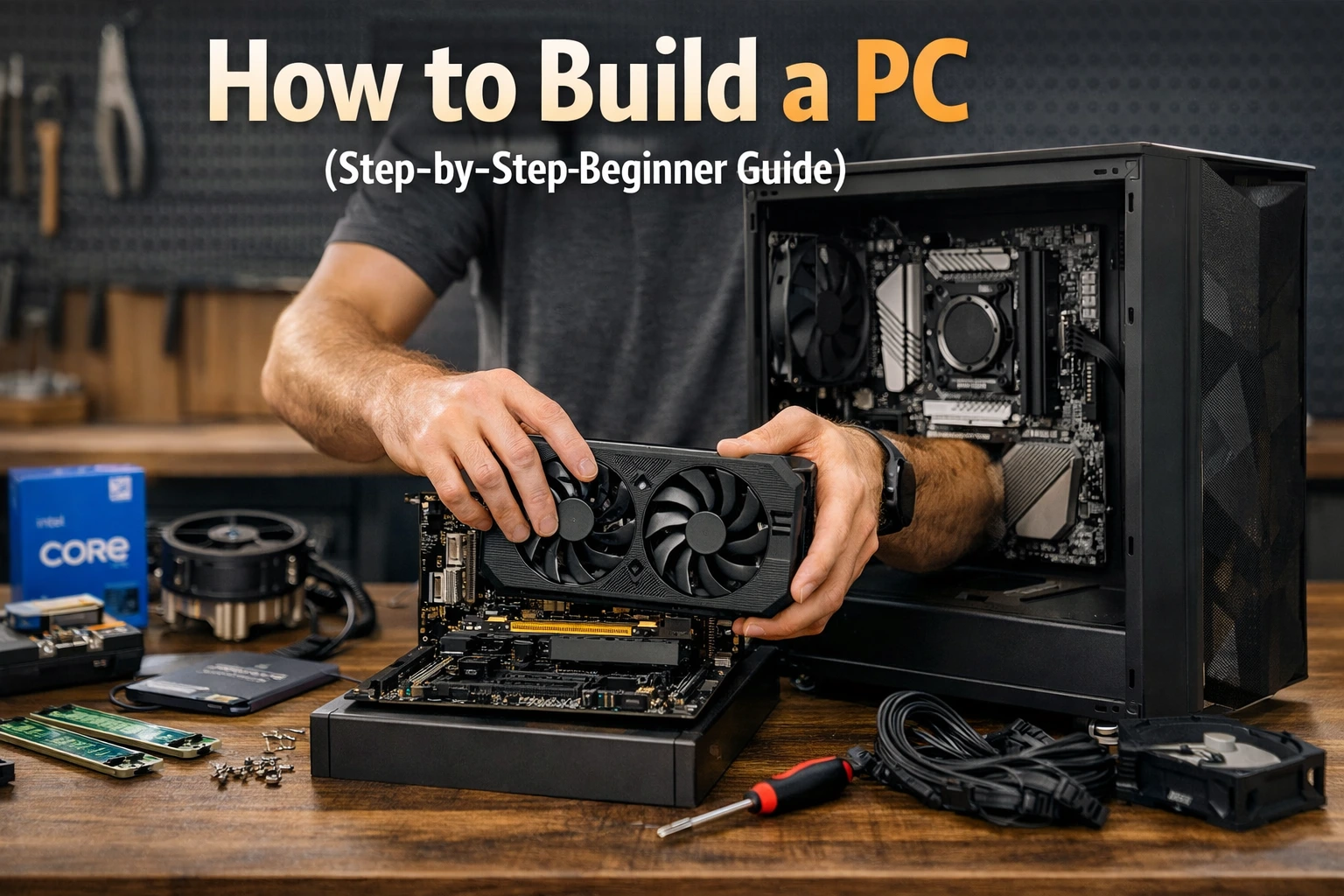
Building your own computer may sound hard at first. But trust me—it’s much easier than you think. If you follow simple steps, you can create a powerful system that fits your needs and budget. In this guide, you’ll learn how to build a PC in a clear and friendly way.
I remember my first build. I was nervous and confused. But once I started, it felt like assembling Lego blocks. Now, I enjoy building PCs more than buying pre-made ones.
This article will walk you through everything. From choosing parts to turning your PC on for the first time. Whether you want to learn how to build a gaming PC or just a simple computer, you’re in the right place.
Why You Should Build Your Own PC
Building your own PC gives you control. You decide what parts go inside. This means better performance and value for money. Pre-built computers often include parts you don’t need.
Another big benefit is learning. When you understand your PC, fixing problems becomes easy. You also save money on repairs.
I’ve noticed that people who build their own PCs feel more confident. They upgrade parts without fear. It also feels rewarding. When your PC turns on for the first time, it’s an amazing feeling.
What You Need Before You Start
Before learning how to build a PC, gather all your tools and parts. This makes the process smooth and stress-free.
You don’t need many tools. A simple screwdriver is enough. A clean workspace is also important.
Here’s a quick checklist:
| Item | Purpose |
|---|---|
| Screwdriver | To assemble parts |
| Anti-static strap (optional) | Protect components |
| Clean table | Safe workspace |
| PC components | Build your system |
Make sure your hands are clean and dry. Avoid building on carpet to prevent static electricity.
Essential PC Parts Explained
To understand how to build a PC, you need to know each part. Every component has a job.
Here are the main parts:
| Component | Function |
|---|---|
| CPU | Brain of the computer |
| Motherboard | Connects all parts |
| RAM | Short-term memory |
| Storage (SSD/HDD) | Saves files |
| GPU | Handles graphics |
| Power Supply (PSU) | Provides power |
| Case | Holds everything |
Each part must be compatible. For example, your CPU must match your motherboard. Always double-check before buying.
How Much Does It Cost to Build a PC?
One common question is: how much does it cost to build a PC?
The answer depends on your needs. You can build a basic PC for around $400. A gaming PC may cost $800 to $2000 or more.
Here’s a simple cost breakdown:
| Type of PC | Estimated Cost |
|---|---|
| Basic PC | $400–$600 |
| Mid-range PC | $700–$1200 |
| Gaming PC | $1000–$2500+ |
From my experience, spending a little more on a good CPU and SSD is worth it. It improves speed and performance a lot.
Choosing the Right Parts for Your Build
Picking the right parts is the most important step in how to build a PC.
Start with your purpose. Ask yourself:
- Do I need it for gaming?
- Is it for office work?
- Do I want video editing?
If you want to learn how to build a gaming PC, focus on a strong GPU and CPU. For office use, you can choose cheaper options.
Always check compatibility. Use online tools or guides to match your parts.
Step-by-Step Guide: How to Build a PC
Now comes the fun part. Let’s go through how to build a PC step by step.
Step 1: Install the CPU
Carefully place the CPU into the motherboard socket. Do not force it.
Step 2: Add RAM
Insert RAM sticks into the slots until they click.
Step 3: Install Storage
Attach your SSD or HDD to the motherboard or case.
Step 4: Mount the Motherboard
Place it inside the case and screw it in.
Step 5: Install Power Supply
Secure the PSU and connect cables.
Step 6: Add GPU
Insert the graphics card into the PCIe slot.
Step 7: Connect All Cables
Attach power and data cables properly.
Take your time. Double-check everything before moving on.
First Boot: Turning Your PC On
After finishing how to build a PC, it’s time to power it on.
Press the power button. If everything is correct, your PC will start.
If it doesn’t turn on, don’t panic. Check cables and connections. This happened to me once. A loose cable was the problem.
Once it starts, install your operating system like Windows or Linux.
How Long Does It Take to Build a PC?
Many beginners ask: how long does it take to build a PC?
For beginners, it takes 2 to 4 hours. Experienced builders can do it in under an hour.
Take your time. Rushing can cause mistakes. Enjoy the process and learn as you go.
Common Mistakes to Avoid
When learning how to build a PC, avoid these common mistakes:
- Forgetting to install the CPU cooler
- Not connecting power cables properly
- Using too much force
- Ignoring compatibility
I once forgot to connect the CPU power cable. The PC wouldn’t start. It taught me to always double-check.
Tips for Building a Gaming PC
If you want to learn how to build a gaming PC, focus on performance.
Here are some tips:
- Choose a strong GPU
- Use at least 16GB RAM
- Pick a fast SSD
- Ensure good cooling
Gaming PCs need more power. Make sure your PSU can handle all components.
Cooling and Airflow Basics
Cooling is very important in how to build a PC. Without it, your system can overheat.
Use fans and proper airflow. Keep cables neat to improve airflow.
Liquid cooling is also an option, but air cooling works fine for most users.
Upgrading Your PC Later
One great thing about learning how to build a PC is easy upgrades.
You can upgrade:
- RAM
- Storage
- GPU
This means your PC can stay powerful for years. I upgraded my GPU after two years instead of buying a new PC.
How to Build a Castle in Minecraft PC (Fun Break)
Let’s take a fun break from hardware. Many people search how to build a castle in Minecraft PC.
Start with a strong base. Use stone blocks. Build tall walls and towers. Add gates and decorations.
Just like building a PC, planning is key. Both require creativity and patience.
Troubleshooting Common Issues
Sometimes your PC may not work properly. Don’t worry. Troubleshooting is part of learning how to build a PC.
Here are common problems:
| Problem | Solution |
|---|---|
| PC won’t start | Check power cables |
| No display | Check GPU and monitor |
| Overheating | Improve cooling |
| Slow performance | Upgrade RAM or SSD |
Stay calm and check one thing at a time.
Final Checklist Before Use
Before you finish how to build a PC, review everything.
| Checklist Item | Status |
|---|---|
| All cables connected | ✔ |
| RAM properly installed | ✔ |
| GPU secure | ✔ |
| Storage detected | ✔ |
This ensures your system runs smoothly.
FAQs About How to Build a PC
1. Is it hard to learn how to build a PC?
No, it’s simple with the right guide. Anyone can learn with patience.
2. How much does it cost to build a PC?
It depends on your needs. Basic PCs cost around $400, while gaming PCs cost more.
3. How long does it take to build a PC?
Beginners usually take 2 to 4 hours to complete the build.
4. Can I build a gaming PC on a budget?
Yes, you can build a budget gaming PC by choosing mid-range parts.
5. Do I need special tools?
No, a simple screwdriver is enough for most builds.
6. Can I upgrade my PC later?
Yes, that’s one of the biggest advantages of building your own PC.
Conclusion
Learning how to build a PC is one of the best skills you can have today. It saves money, builds confidence, and gives you full control over your system.
At first, it may feel confusing. But once you start, it becomes fun and rewarding. I still remember my first successful build—it felt amazing.
Whether you want to learn how to build a gaming PC or just a simple machine, the steps are the same. Take your time, follow the guide, and enjoy the process.
Now it’s your turn. Start planning your build today and create a PC that fits your needs perfectly.