
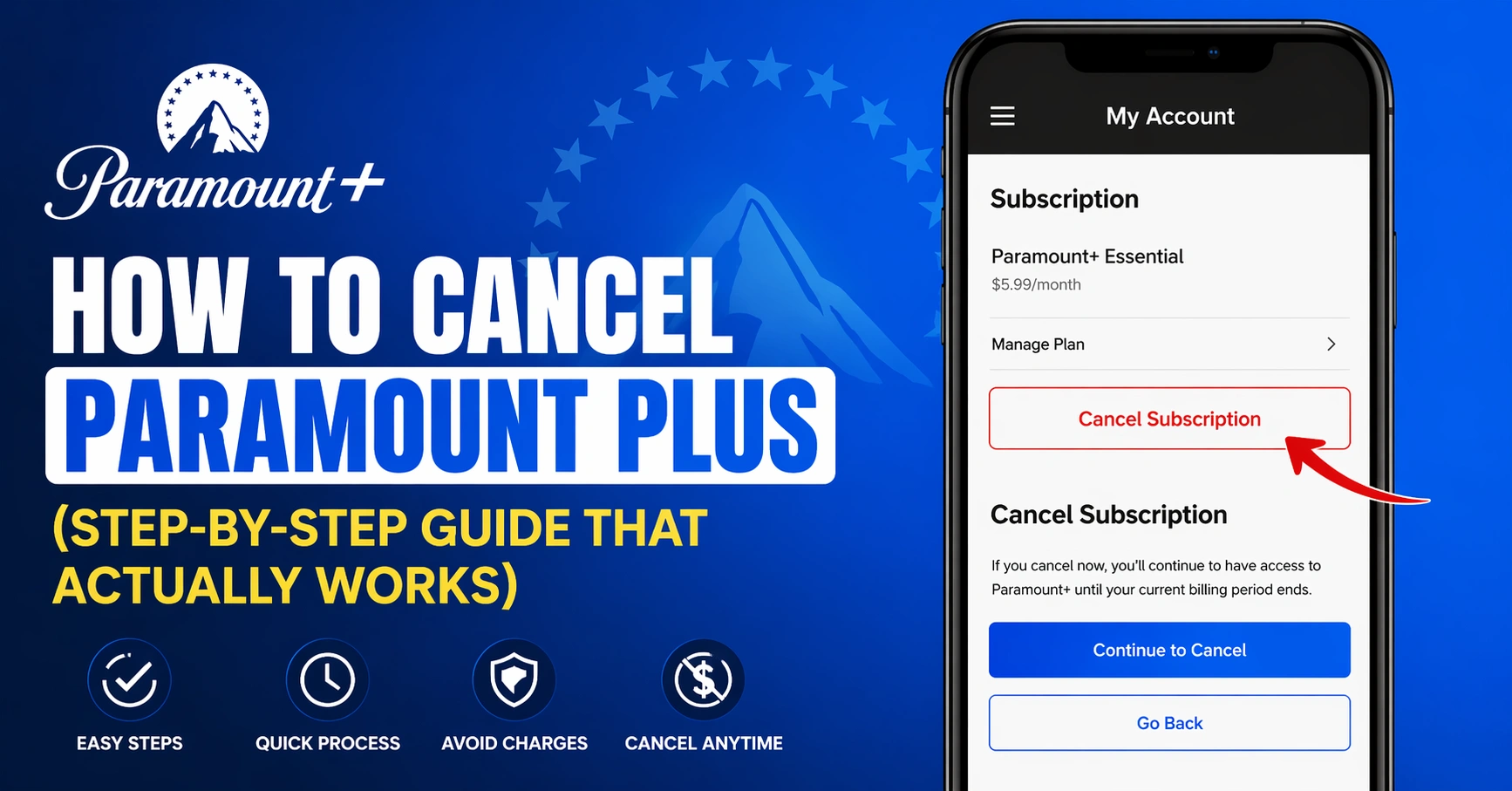
Canceling a streaming service should be simple. But in real life, it often feels confusing. If you’re searching for how to cancel Paramount Plus, you’re not alone. Many users struggle because the steps change depending on how they signed up.
In this complete guide, I’ll walk you through everything in a clear and simple way. I’ve canceled subscriptions myself on different platforms, and I’ll share what works best. By the end, you’ll know exactly what to do—without wasting time or money.
Why People Cancel Paramount Plus
Streaming services are great, but sometimes they stop fitting your needs. Maybe you’ve finished your favorite shows. Or maybe you’re trying to save money.
Many users cancel because:
- Monthly costs add up quickly
- Content doesn’t match their interests anymore
- They signed up for a free trial and forgot
- They prefer other platforms
Understanding your reason helps you decide whether to cancel fully or just pause.
Before You Cancel: Things You Should Check
Before learning how to cancel Paramount Plus, take a moment to review your account.
Check:
- Your billing date
- Your subscription plan
- Where you signed up (website, app, or third party)
This step matters because cancellation methods depend on your signup source. If you skip this, you might cancel incorrectly and still get charged.
How to Cancel Paramount Plus on the Website
If you signed up directly through the Paramount Plus website, this is the easiest method.
Follow these steps:
- Log in to your account
- Click your profile icon
- Go to “Account”
- Find “Subscription & Billing”
- Click “Cancel Subscription”
- Confirm your cancellation
Once done, you’ll still have access until your billing period ends.
Personal tip: I always take a screenshot after canceling. It gives peace of mind in case of billing issues.
How to Cancel Paramount Plus on Mobile (iPhone & Android)
Mobile subscriptions work differently. If you signed up through your phone, you must cancel through the app store.
For iPhone (Apple Subscriptions):
- Open Settings
- Tap your name
- Go to “Subscriptions”
- Select Paramount Plus
- Tap “Cancel Subscription”
For Android (Google Play):
- Open Google Play Store
- Tap your profile icon
- Go to “Payments & Subscriptions”
- Select “Subscriptions”
- Cancel Paramount Plus
This is one of the most common mistakes. People try canceling on the website when they actually subscribed through mobile.
How to Cancel Paramount Plus on Amazon
If you subscribed through Amazon, you must cancel it there.
Steps:
- Go to your Amazon account
- Navigate to “Memberships & Subscriptions”
- Find Paramount Plus
- Click “Manage Subscription”
- Cancel it
Amazon handles billing, so Paramount Plus won’t show cancellation options on its own site.
How to Cancel Paramount Plus on Roku
Roku users also have a separate process.
Steps:
- Press the Home button on your Roku remote
- Highlight Paramount Plus
- Press the * button
- Select “Manage Subscription”
- Choose “Cancel Subscription”
It’s quick once you know where to look.
How to Cancel Paramount Plus Free Trial
Free trials are great—but easy to forget.
To avoid charges:
- Cancel at least 24 hours before the trial ends
- Follow the same steps based on your signup method
Even after canceling, you can still use the trial until it expires.
What Happens After You Cancel
When you cancel, your account does not disappear immediately.
Here’s what happens:
- You keep access until your billing cycle ends
- No new charges will be applied
- Your watch history stays saved
This means you can still finish shows you started.
Common Problems When Canceling (And Fixes)
Sometimes, users think they canceled—but still get billed.
Here are common issues:
| Problem | Cause | Solution |
|---|---|---|
| Still charged | Wrong platform canceled | Check signup source |
| No cancel option | Third-party billing | Cancel via Apple, Google, Amazon |
| Forgot login | Email confusion | Reset password |
| Trial ended early | Missed timing | Set reminders next time |
Always double-check confirmation emails.
How to Restart Your Subscription Later
You can always come back.
To restart:
- Log into your account
- Choose a plan
- Confirm payment
Your previous preferences and watchlist may still be there.
Is There a Refund After Cancellation?
In most cases, refunds are not given.
Paramount Plus usually:
- Allows access until billing ends
- Does not refund partial months
However, if you were charged by mistake, contact support quickly.
Alternatives to Canceling
If you’re unsure about canceling, consider these options:
| Option | Benefit |
|---|---|
| Downgrade plan | Save money |
| Pause subscription | Keep account |
| Share account | Split cost |
| Switch platform | Better content match |
Sometimes adjusting your plan works better than canceling fully.
Tips to Avoid Future Subscription Charges
Managing subscriptions can be tricky.
Here’s what works best:
- Set calendar reminders for billing dates
- Use one email for all subscriptions
- Review subscriptions monthly
- Avoid multiple free trials at once
I personally track all subscriptions in a simple note. It saves money over time.
How to Contact Paramount Plus Support
If you face issues while trying how to cancel Paramount Plus, support can help.
You can:
- Visit their help center
- Use live chat
- Submit a request
Have your account details ready for faster help.
Comparison of Cancellation Methods
| Platform | Difficulty | Time Required | Best For |
|---|---|---|---|
| Website | Easy | 2–3 minutes | Direct users |
| Mobile | Medium | 3–5 minutes | App users |
| Amazon | Easy | 2 minutes | Prime users |
| Roku | Easy | 2 minutes | TV users |
Choosing the right method saves time and frustration.
Real Experience: What Most People Get Wrong
From personal experience, the biggest mistake is not knowing where the subscription started.
For example, I once tried canceling on the website. It didn’t work. Later, I realized I had subscribed through my phone.
Once I canceled through the correct platform, it worked instantly.
This is why checking your billing source is the most important step.
FAQs About How to Cancel Paramount Plus
1. Can I cancel Paramount Plus anytime?
Yes, you can cancel anytime. You’ll still have access until your billing cycle ends.
2. Why can’t I find the cancel option?
This usually means you subscribed through a third party like Apple or Amazon.
3. Will I get a refund after canceling?
Most of the time, no. You can use the service until the billing period ends.
4. Can I restart my subscription later?
Yes, you can resubscribe anytime using your account.
5. Does uninstalling the app cancel the subscription?
No, deleting the app does not cancel your subscription.
6. How do I know if my cancellation worked?
You should receive a confirmation email. Always check your inbox.
Final Thoughts
Learning how to cancel Paramount Plus is simple once you know where to look. The key step is identifying how you signed up. From there, the process takes only a few minutes.
If you follow the steps in this guide, you can cancel without stress or extra charges. Always double-check your confirmation and billing details.
If you found this guide helpful, consider saving it for later or sharing it with others who might need it.