
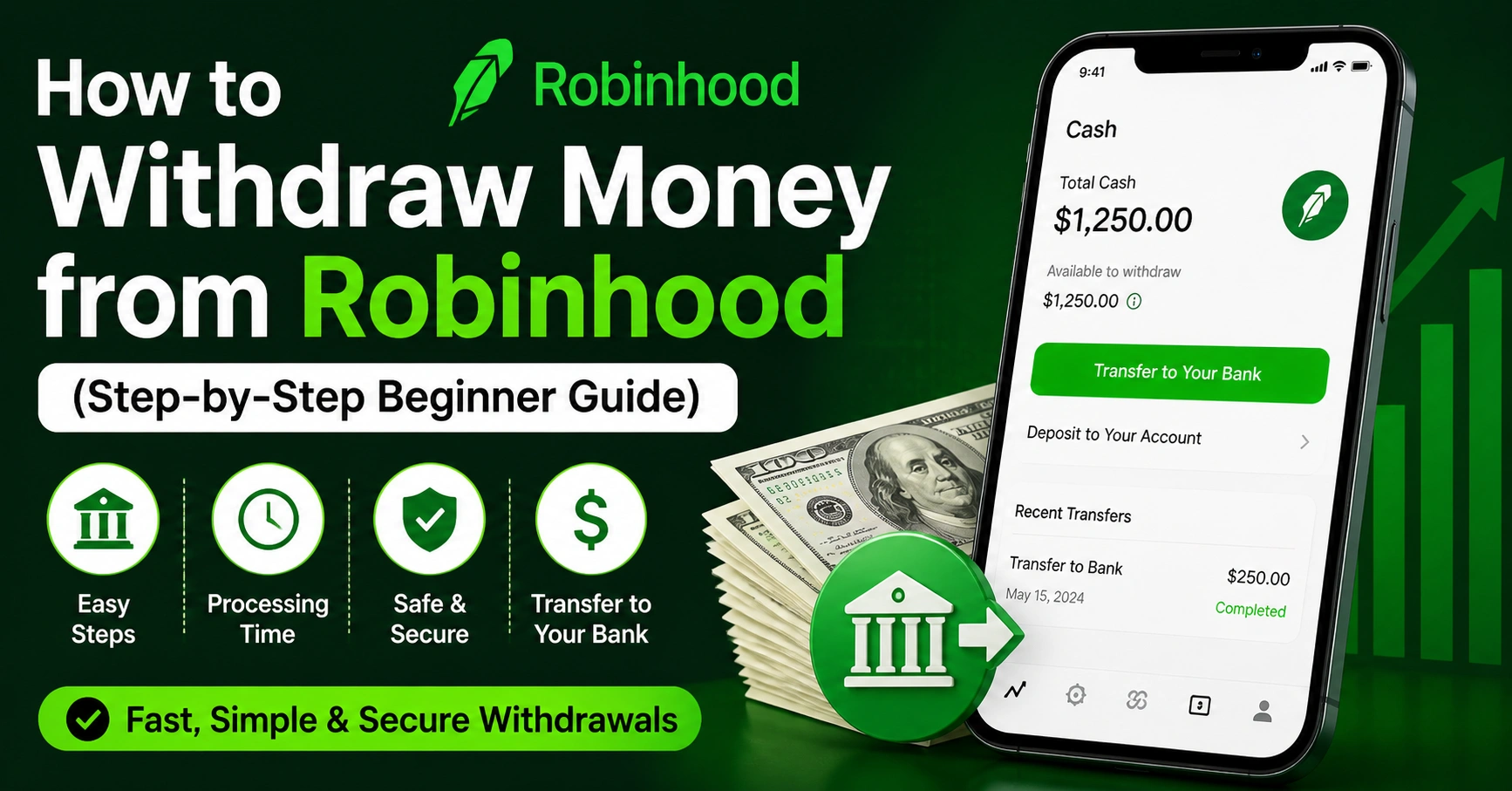
If you’re trying to figure out how to withdraw money from Robinhood, you’re not alone. Many beginners get stuck at this step. The app makes investing easy, but cashing out can feel confusing at first.
The good news? It’s actually simple once you understand the process. I’ve used Robinhood myself, and I remember feeling unsure the first time I tried to withdraw funds. There are a few rules, timelines, and small details that matter.
In this complete guide, I’ll walk you through everything in plain, easy language. You’ll learn how withdrawals work, how long they take, and how to avoid delays. Whether you’re withdrawing stock profits or crypto earnings, this guide covers it all.
What Does It Mean to Withdraw Money from Robinhood?
When you learn how to withdraw money from Robinhood, you’re basically moving funds from your Robinhood account to your bank.
There are two types of money in your account:
- Buying power (cash you can use)
- Invested money (stocks or crypto)
You can only withdraw money that is available as cash, not money tied up in investments. So if your money is in stocks, you must sell them first.
A common mistake beginners make is trying to withdraw money too early. If you just sold a stock, that money may not be ready yet. Robinhood needs time to settle the transaction before you can withdraw it.
How to Withdraw Money from Robinhood (Step-by-Step)
Let’s break down the exact steps for how to withdraw money from Robinhood account:
Step 1: Open the App
Log in to your Robinhood account on your phone or computer.
Step 2: Tap “Account”
Look for your profile icon in the bottom corner.
Step 3: Go to Transfers
Click on “Transfers” or “Menu” depending on your device.
Step 4: Select “Transfer to Your Bank”
This is where you start the withdrawal process.
Step 5: Enter the Amount
Choose how much money you want to withdraw.
Step 6: Confirm
Review everything and confirm the transfer.
That’s it. Now your request is submitted.
How to Withdraw Money from Robinhood to Bank Account
To understand how to withdraw money from Robinhood to bank account, you need to connect your bank first.
Robinhood supports most major banks. You can link your account using:
- Instant verification (login)
- Manual verification (routing number)
Once linked, withdrawals go directly to your bank.
💡 Tip from experience: Always double-check your bank details. A small mistake can delay your transfer.
How to Sell Stock and Withdraw Money from Robinhood
Before withdrawing, you may need to sell your investments.
Here’s how:
- Open the stock you own
- Tap “Sell”
- Enter the amount
- Confirm the sale
After selling, the money doesn’t appear instantly. This is called the settlement period.
So if you’re wondering how to sell stock and withdraw money from Robinhood, remember:
- Sell first
- Wait for settlement
- Then withdraw
How Long Does It Take to Withdraw Money from Robinhood?
This is one of the most asked questions: how long does it take to withdraw money from Robinhood?
Here’s a simple breakdown:
| Step | Time Required |
|---|---|
| Stock Sale Settlement | 1–2 business days |
| Withdrawal Processing | 1–3 business days |
| Total Time | 2–5 days |
Sometimes it may be faster, but delays can happen due to weekends or bank holidays.
How to Withdraw Money from Robinhood Immediately
Many users want to know how to withdraw money from Robinhood immediately.
Here’s the truth:
👉 Instant withdrawal is limited.
Robinhood does offer instant transfers, but:
- They come with limits
- Not all users qualify
- Fees may apply
If you need money fast, check if instant transfer is available in your account. Otherwise, standard transfers take a few days.
How to Withdraw Money from Robinhood Buying Power
Your buying power is the amount available to use or withdraw.
To understand how to withdraw money from Robinhood buying power, just follow normal withdrawal steps.
But remember:
- Buying power must be settled cash
- Pending funds cannot be withdrawn
| Type of Funds | Can You Withdraw? |
|---|---|
| Settled Cash | Yes |
| Pending Deposits | No |
| Stock Value | No |
How to Withdraw Money from Robinhood Crypto Account
If you trade crypto, you may ask:
how to withdraw money from Robinhood crypto account?
There are two ways:
Option 1: Convert to Cash
- Sell your crypto
- Wait for funds
- Withdraw to bank
Option 2: Transfer Crypto (if supported)
Robinhood now allows some crypto transfers to external wallets.
💡 My advice: If you’re new, converting to cash is easier and safer.
How Do I Transfer My Money to Withdraw from Robinhood?
This question sounds tricky but is simple.
If you’re asking how do I transfer my money to withdraw from Robinhood, it means:
- Move funds into withdrawable cash
- Then send to your bank
You don’t need extra steps beyond selling assets and using the transfer option.
Common Reasons Your Withdrawal Is Delayed
Sometimes, things don’t go as planned. Here are common issues:
- Funds not settled
- Bank not verified
- Withdrawal limits reached
- Market holidays
- Recent deposits (5-day hold)
| Problem | Solution |
|---|---|
| Funds not available | Wait 1–2 days |
| Bank issue | Reconnect account |
| Limit reached | Try smaller amount |
Withdrawal Limits You Should Know
Robinhood has limits on withdrawals.
- Daily withdrawal limit: $50,000
- Minimum withdrawal: $1
These limits usually don’t affect beginners, but it’s good to know.
Tips to Withdraw Money Without Problems
Here are some simple tips based on real experience:
- Always wait for funds to settle
- Use a verified bank account
- Avoid withdrawing right after deposit
- Double-check details before confirming
These small steps can save you a lot of frustration.
Is It Safe to Withdraw Money from Robinhood?
Yes, Robinhood is a trusted platform used by millions.
Your funds are protected, and transfers are secure. Still, always:
- Use strong passwords
- Enable two-factor authentication
Safety depends on both the platform and your habits.
Real Example: My First Withdrawal Experience
When I first tried how to withdraw my money from Robinhood, I made a mistake. I sold a stock and tried to withdraw immediately.
It didn’t work.
I had to wait two days for settlement. After that, the withdrawal went through smoothly.
Lesson learned: patience matters in finance.
FAQs
1. How to withdraw money from Robinhood fast?
You can use instant transfer if available. Otherwise, it takes 2–5 days.
2. Can I withdraw money without selling stocks?
No. You must sell investments before withdrawing.
3. Why can’t I withdraw my money?
Your funds may not be settled or available yet.
4. How to withdraw money from Robinhood crypto account?
Sell crypto to cash, then transfer to your bank.
5. Is there a fee for withdrawal?
Standard withdrawals are free. Instant transfers may have fees.
6. Can I cancel a withdrawal?
Yes, if it hasn’t been processed yet.
Final Thoughts
Learning how to withdraw money from Robinhood is an important step for every investor. It may seem confusing at first, but once you understand the process, it becomes easy.
The key things to remember are:
- Sell assets before withdrawing
- Wait for settlement
- Use a verified bank account
Take your time and follow each step carefully. Mistakes usually happen when people rush.
If you’re new, don’t worry. Everyone learns this process once. After your first successful withdrawal, it will feel simple and natural.
Now you’re ready to confidently withdraw your money anytime