
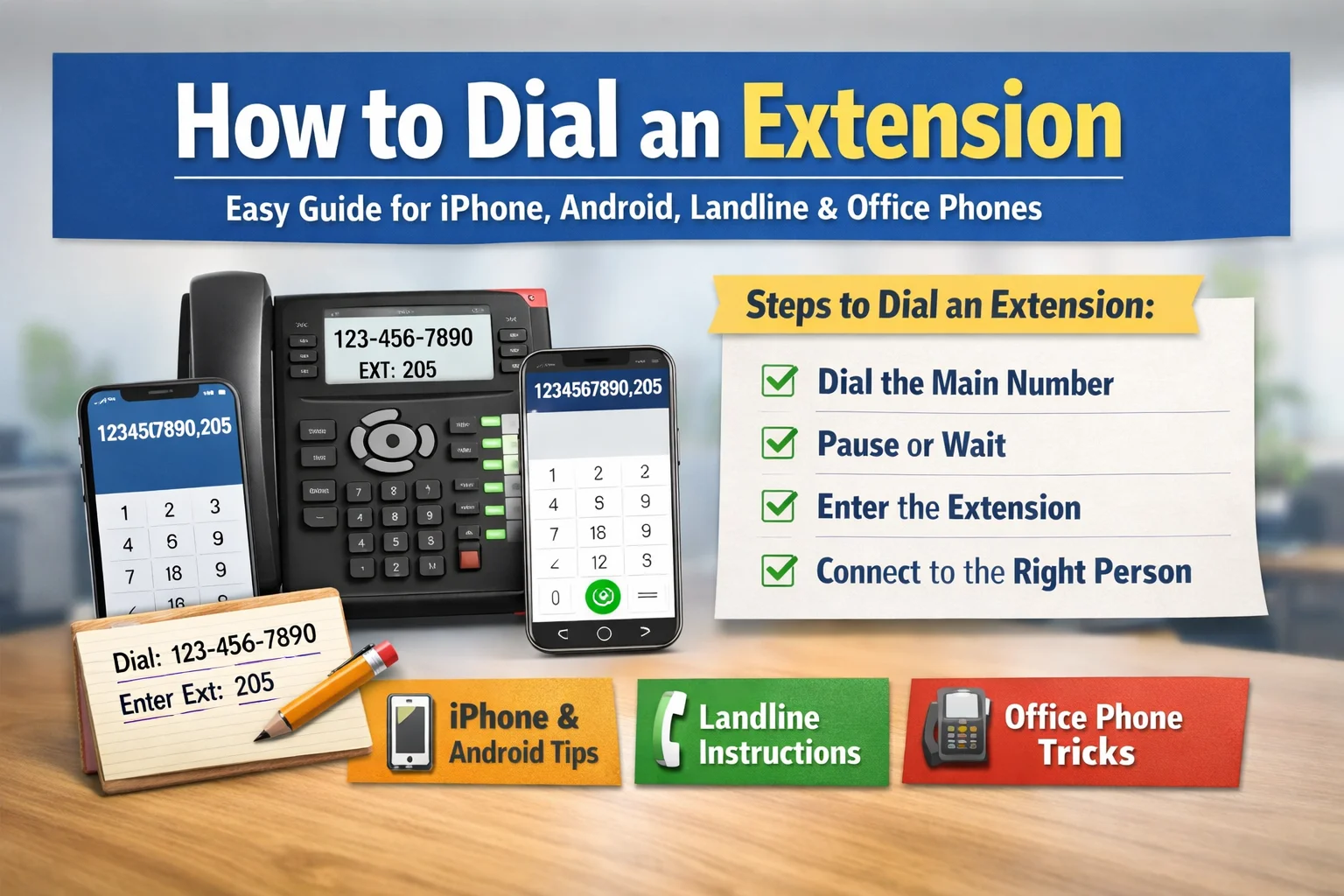
Calling a business phone number can feel confusing when an extension is involved. You dial the main number and then pause, unsure what to do next. If this has ever happened to you, don’t worry—you’re not alone. Many people struggle with how to dial an extension, especially when using different devices like smartphones or landlines. The good news is that once you understand the basics, it becomes very simple. In this guide, I’ll explain everything in a clear and friendly way so anyone can follow along easily.
By the end of this article, you’ll fully understand how to dial an extension on any device. Whether you’re calling a company, office, or support team, you’ll be able to connect quickly without confusion. Let’s break it down step by step in the easiest way possible.
What Does “Extension” Mean in a Phone Number?
An extension is a short number that connects your call to a specific person or department inside a company. Instead of giving every employee a separate phone number, businesses use one main number and assign extensions. This makes communication faster and more organized for everyone.
For example, a company might have one main number, and each department has its own extension. When you call, you simply enter the extension to reach the right person. Think of it like a building with many rooms. The main number is the entrance, and the extension is the room number. Understanding this concept makes it much easier to learn how to dial an extension properly.
Why Businesses Use Phone Extensions
Businesses use extensions to manage calls more efficiently. Without extensions, every call would go to one central place, creating delays and confusion. Extensions allow calls to go directly to the right department or person without wasting time.
This system improves customer service because callers don’t have to wait long. It also helps employees stay focused on their tasks. From my experience, using extensions saves a lot of time, especially when calling large companies. Once you know how to dial an extension correctly, your calls become quicker and smoother.
How to Dial an Extension (Basic Method)
The most common way to learn how to dial an extension is by using the manual method. This method works on almost every phone, including mobile phones and landlines.
First, dial the main phone number. Then, wait for the automated voice or instructions. When prompted, enter the extension number using your keypad. This is the simplest and most reliable way to connect your call.
For example, you dial the company number and listen carefully. When the system asks for the extension, you enter it. This method may take a few extra seconds, but it works every time without any technical setup.
How to Dial a Number with an Extension Automatically
If you want to save time, you can dial an extension automatically. This is especially useful if you call the same number often. Smartphones allow you to add pauses in the number so the extension is dialed automatically.
You can do this by adding a comma after the main number, followed by the extension. The comma creates a short delay before dialing the extension. This means you don’t have to wait and enter it manually.
For example, you can save a number like 1234567890,205. When you call it, your phone will dial the main number and then automatically enter the extension. This method is very convenient and saves time in the long run.
How to Dial an Extension on iPhone
If you’re using an iPhone, learning how to dial an extension on iPhone is very simple. The phone has built-in features that make this process easy.
Open the Phone app and enter the main number. Then tap the special characters button and select the comma option. After that, type the extension number. You can either dial it directly or save it in your contacts.
From my personal experience, saving numbers with extensions on iPhone makes life much easier. You only need one tap to call, and everything is handled automatically. This is one of the best ways to manage business contacts.
How to Dial an Extension iPhone Using Wait Feature
Another helpful feature on iPhone is the “wait” option. This allows you to control when the extension is dialed. Instead of automatically dialing, your phone pauses and waits for your confirmation.
To use this, enter the main number, then add a semicolon, and type the extension. When you call, your phone will stop and ask you before dialing the extension. This is useful when phone systems take longer to respond.
This method gives you more control and helps avoid timing issues. It’s especially helpful when calling different companies with different systems.
How to Dial an Extension Android
Android phones also make it easy to understand how to dial an extension android devices. The steps are similar to iPhone but may vary slightly depending on the phone model.
Open the Phone app and enter the main number. Then tap the menu options and choose to add a pause or wait. After that, type the extension number. You can then save this number for future use.
Android users often find this feature very helpful because it simplifies repeated calls. Once set up, you won’t need to manually enter the extension again.
How to Dial an Extension on Android (Saved Contact Method)
If you frequently call a number, saving it with the extension is the best option. This removes the need to remember or enter the extension each time.
Go to your contacts and create a new entry. Enter the main number followed by a comma and the extension. Save the contact, and you’re done. The next time you call, everything happens automatically.
This method is simple, fast, and very effective. It’s one of the easiest ways to handle extensions without any confusion.
How to Dial an Extension on Landline
Learning how to dial an extension on landline phones is slightly different because these phones don’t support automatic pauses. You need to do everything manually.
First, dial the main number and wait for the system to respond. Once you hear the prompt, enter the extension using the keypad. This method requires patience but works reliably.
Even though landlines are older technology, they are still widely used in offices. Knowing this method ensures you can make calls from any device.
How to Dial an Extension on an Office Phone
Office phones are designed to handle extensions easily. If you’re calling within the same office, you often only need to dial the extension number.
If you’re calling from outside, dial the main number and then enter the extension. Some office phones also have transfer features that make connecting calls easier.
Understanding how office systems work can save time, especially in professional environments. It also makes communication smoother within teams.
Different Ways Extensions Are Written
Extensions can appear in different formats, which can confuse beginners. However, all formats mean the same thing. You might see “ext,” “x,” commas, or semicolons used in phone numbers.
For example, a number might look like 123-456-7890 ext 205 or 123-456-7890 x205. Both indicate the same extension. Some formats are used for manual dialing, while others are for automatic dialing.
Once you recognize these formats, it becomes much easier to understand how to dial an extension correctly without hesitation.
Common Mistakes When Dialing Extensions
Many people make small mistakes when learning how to dial an extension number. These mistakes can cause calls to fail or go to the wrong place.
One common mistake is entering the extension too early before the system is ready. Another is using the wrong pause symbol or typing the wrong extension. Even a small error can prevent the call from connecting.
From experience, the best approach is to stay calm and double-check the number before dialing. Taking a few extra seconds can save you from calling again.
When You Don’t Know the Extension
Sometimes you don’t have the extension number. In this case, you can still connect by following the automated instructions.
Most systems offer options like “press 0 for operator” or provide a menu of departments. You can listen carefully and choose the option that matches your need.
If you’re unsure, speaking to a receptionist is often the fastest way to get help. They can guide you to the right person quickly.
Tips to Make Dialing Extensions Easier
There are several simple tips that can make dialing extensions much easier. Saving numbers with extensions is one of the most effective methods. It reduces effort and avoids mistakes.
You should also use pause and wait features depending on your needs. Always double-check the extension before calling to ensure accuracy. These small habits can make a big difference.
Over time, you’ll get used to the process and won’t even have to think about it. It becomes second nature with practice.
Comparison of Dialing Methods
| Device Type | Method | Ease Level |
|---|---|---|
| iPhone | Comma / Pause | Very Easy |
| Android | Pause / Wait | Easy |
| Landline | Manual Entry | Moderate |
| Office Phone | Direct Extension | Very Easy |
Quick Cheat Sheet for Dialing Extensions
| Action | Symbol | Example |
|---|---|---|
| Pause | , | 1234567890,205 |
| Wait | ; | 1234567890;205 |
| Manual | None | Dial then enter |
Real-Life Example of Dialing an Extension
Let’s say you want to call a company’s support team. The main number is 111-222-3333, and the extension is 450. If you’re using a smartphone, you can dial the number with a comma and extension so it connects automatically.
On a landline, you would dial the main number, wait for the instructions, and then enter the extension. Both methods work effectively depending on your device.
This example shows how simple it is once you understand the process clearly.
FAQs About How to Dial an Extension
How to dial an extension on iPhone easily?
You can add a comma after the main number and then enter the extension. This allows automatic dialing after a short pause.
How to dial an extension android phones?
Use the add pause or wait option in your phone app and then enter the extension number.
How to dial a phone number with an extension from contacts?
Save the number with a comma and extension. Then tap the contact to dial everything automatically.
How to dial an extension on landline phones?
Dial the main number first and enter the extension when the system asks for it.
What if the extension doesn’t work?
Check the number, wait for the prompt, or contact the company’s operator for help.
Can I dial an extension directly?
Yes, but only if you are calling within the same office system where extensions are connected internally.
Final Thoughts
Learning how to dial an extension is a simple but valuable skill. Once you understand the steps, it becomes quick and easy on any device. Whether you are using an iPhone, Android, landline, or office phone, the process remains mostly the same.
The key is to dial the main number, wait for the right moment, and enter the extension correctly. Using features like pause and wait can make the process even smoother. Saving numbers with extensions is also a great way to save time.