
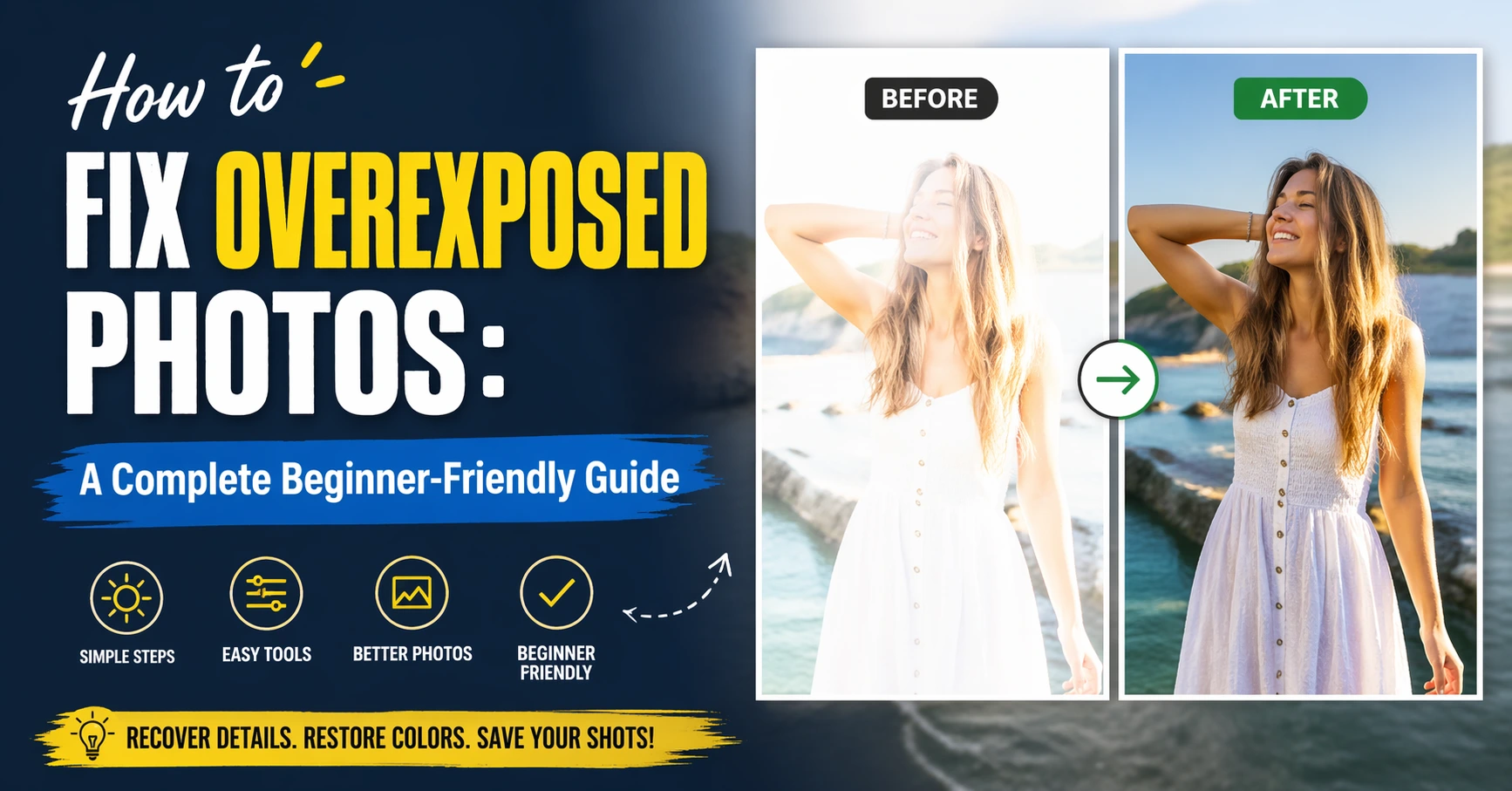
Overexposed photos can feel frustrating. You take a picture, and instead of sharp details, you get a bright, washed-out image. Important parts look too white, and sometimes they disappear completely. The good news is that you can often fix this problem with the right tools and simple steps.
In this guide, you’ll learn how to fix overexposed photos in a clear and easy way. You don’t need to be a professional. Even beginners can improve their images with a few smart edits. I’ll walk you through different methods, including mobile apps, editing software, and practical tips that actually work.
I’ve personally dealt with overexposed photos many times, especially when shooting outdoors in strong sunlight. At first, I thought those photos were ruined. But after learning a few tricks, I was able to recover many of them. Let’s explore how you can do the same.
What Is an Overexposed Photo?
An overexposed photo is simply a picture that is too bright. This happens when too much light enters the camera. As a result, highlights become blown out, and details get lost.
You might notice:
- White areas with no detail
- Faded colors
- Low contrast
- A “washed-out” look
Understanding this problem is the first step in learning how to fix an overexposed photo.
Why Do Photos Get Overexposed?
There are a few common reasons why overexposure happens. Knowing these helps you fix and prevent it.
Main Causes of Overexposure
| Cause | Explanation | Example |
|---|---|---|
| Too much light | Bright sunlight or strong artificial light | Shooting at noon outdoors |
| Wrong camera settings | High ISO or slow shutter speed | Beginner camera mistakes |
| No exposure control | Auto mode fails in tricky lighting | Snow scenes or beaches |
| Reflective surfaces | Light bounces into lens | Water, glass, or sand |
Once you understand the cause, it becomes easier to learn how to fix a photo that is overexposed.
Can You Always Fix Overexposed Photos?
This is important to understand. Not all overexposed photos can be fully fixed.
If the highlights are completely blown out (pure white), the lost data cannot be recovered. However, in many cases, you can still improve the image significantly.
From experience, lightly overexposed photos are easy to fix. Extremely overexposed ones are harder but still worth trying.
How to Fix Overexposed Photos in General
Let’s start with the basic steps that apply to almost every editing tool.
Core Adjustments You Should Use
| Tool | What It Does | Best Use |
|---|---|---|
| Exposure | Reduces overall brightness | First step |
| Highlights | Recovers bright areas | Fix white spots |
| Whites | Controls brightest tones | Fine tuning |
| Contrast | Adds depth | Improves flat images |
| Shadows | Balances darker areas | Keeps details visible |
These adjustments are key when learning how to fix overexposed photos effectively.
How to Fix Overexposed Photos on iPhone
Fixing photos on an iPhone is simple and quick. The built-in Photos app works well.
Steps to Follow
- Open the Photos app
- Select your image
- Tap “Edit”
- Lower the Exposure
- Reduce Highlights
- Adjust Contrast slightly
- Tap Done
This method works well if you want to learn how to fix overexposed photos on iPhone without using extra apps.
From personal use, I’ve found that lowering highlights makes the biggest difference on iPhone edits.
Best Apps to Fix Overexposed Photos on Mobile
If you want better results, try these apps:
| App | Best Feature | Skill Level |
|---|---|---|
| Snapseed | Powerful free tools | Beginner-friendly |
| Lightroom Mobile | Advanced controls | Intermediate |
| VSCO | Simple filters | Easy |
These apps help when learning how to fix an overexposed photo on iPhone or Android.
How to Fix an Overexposed Photo in Lightroom
Lightroom is one of the best tools for photo correction.
Simple Workflow
- Lower Exposure first
- Reduce Highlights significantly
- Adjust Whites carefully
- Increase Contrast
- Use Tone Curve if needed
Lightroom Adjustment Guide
| Setting | Suggested Range |
|---|---|
| Exposure | -0.5 to -1.5 |
| Highlights | -50 to -100 |
| Whites | -20 to -60 |
| Contrast | +10 to +30 |
This is one of the most effective ways to learn how to fix an overexposed photo in Lightroom.
How to Fix an Overexposed Photo in Photoshop
Photoshop gives you more control but takes more time.
Key Tools to Use
- Levels adjustment
- Curves tool
- Camera Raw filter
- Layer masks
Basic Steps
- Open your image
- Go to Camera Raw filter
- Lower exposure and highlights
- Use Curves for fine control
- Apply adjustments gradually
This method is ideal if you want to master how to fix an overexposed photo in Photoshop.
How to Fix an Extremely Overexposed Photo
This is the hardest case. But don’t give up.
What You Can Try
- Lower exposure to maximum
- Reduce highlights fully
- Add contrast
- Convert to black and white
- Use selective editing
Sometimes, converting to black and white can save an image that seems lost. I’ve used this trick many times with great results.
How to Fix Overexposed Film Photos
Film photos are different. You have less flexibility.
Tips for Film Photos
- Scan at high quality
- Use editing software carefully
- Reduce highlights gently
- Avoid over-editing
Learning how to fix overexposed film photos requires patience, but results can still be impressive.
Prevent Overexposed Photos in the Future
Fixing is good, but prevention is better.
Simple Prevention Tips
| Tip | Why It Helps |
|---|---|
| Use HDR mode | Balances light |
| Lower exposure manually | Avoids brightness |
| Shoot during golden hour | Softer light |
| Check histogram | Prevents clipping |
These habits will reduce your need to learn how to fix overexposed photos later.
Common Mistakes to Avoid
Many beginners make small mistakes that hurt their edits.
Avoid These Errors
- Over-reducing exposure
- Ignoring contrast
- Editing too fast
- Using too many filters
Take your time. Small adjustments work better.
Personal Tips from Experience
When I started editing photos, I made images look dull by lowering exposure too much. Over time, I learned balance is key.
Here’s what works best for me:
- Always adjust highlights first
- Then fix exposure
- Add contrast at the end
This simple workflow improved my results quickly.
FAQs
1. Can overexposed photos be fully fixed?
Not always. If details are lost completely, recovery is limited. But you can still improve most images.
2. What is the easiest way to fix overexposed photos?
Use your phone’s editing tools. Lower exposure and highlights for quick results.
3. Which app is best for beginners?
Snapseed is a great choice. It’s free and easy to use.
4. How do professionals fix overexposed photos?
They use Lightroom or Photoshop with advanced tools like curves and masks.
5. Can I fix overexposed photos without software?
Only slightly. Full correction usually requires editing tools.
6. Why do my photos keep getting overexposed?
It often happens due to strong light or incorrect camera settings.
Conclusion
Learning how to fix overexposed photos is a valuable skill for anyone who takes pictures. Whether you use a phone or a professional camera, overexposure can happen at any time.
The good news is that you now have the tools and knowledge to fix it. Start with simple adjustments like exposure and highlights. Then explore advanced tools like Lightroom and Photoshop as you grow.
Remember, not every photo will be perfect. But with practice, you’ll get better at both fixing and preventing overexposure.
Try editing a few of your old photos today. You might be surprised at how much you can improve them.