
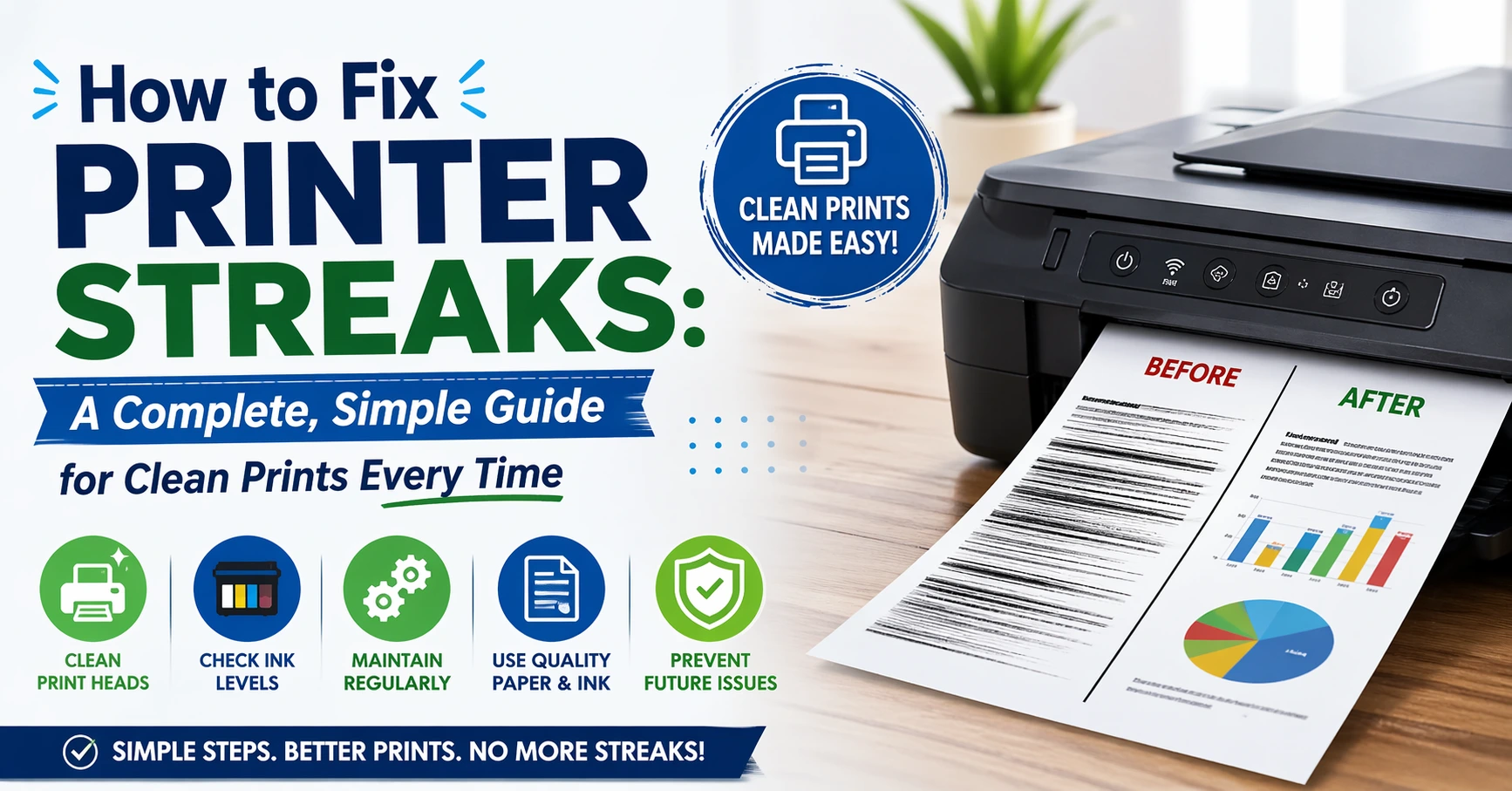
Printing should be easy. You press print, and a clean page comes out. But sometimes, you see lines, smudges, or faded streaks. It can feel frustrating, especially when you need clear documents. The good news is that learning how to fix printer streaks is not hard.
In this guide, I will walk you through simple steps. These steps work for inkjet and laser printers. I’ve faced this issue many times myself, and most fixes take only a few minutes. Whether you use Epson, HP, or Brother, this guide will help you get clean prints again.
Let’s fix those annoying streaks step by step.
What Causes Printer Streaks?
Before learning how to fix printer streaks, it helps to know why they happen. Streaks appear when something blocks or disrupts the printing process.
The most common cause is clogged print heads. Ink dries and blocks tiny nozzles. This leads to missing lines on the page. Another reason is low ink or toner. When levels drop, prints become uneven.
Dust and dirt inside the printer can also cause streaks. Paper fibers and debris build up over time. In laser printers, a worn drum unit is often the issue.
Understanding the cause makes it easier to fix the problem quickly.
Types of Printer Streaks You Might See
Not all streaks look the same. Each type points to a different issue.
| Type of Streak | What It Looks Like | Likely Cause |
|---|---|---|
| Horizontal lines | Lines across the page | Clogged print head |
| Vertical lines | Lines from top to bottom | Dirty rollers or drum |
| Black streaks | Dark smudges | Ink buildup or drum issue |
| Faded streaks | Light or missing color | Low ink or clogged nozzles |
Knowing the type helps you decide how to fix a printer that prints streaks faster.
Quick Checklist Before Fixing
Before jumping into repairs, do a quick check. This saves time and effort.
| Check | Why It Matters |
|---|---|
| Ink or toner levels | Low levels cause streaks |
| Paper quality | Poor paper can cause smudges |
| Printer settings | Wrong settings affect output |
| Recent cartridge change | New cartridges may need alignment |
This quick step often solves the problem without deep troubleshooting.
How to Fix Printer Streaks on Inkjet Printers
Inkjet printers are common at home. They are great but can clog easily. If you see lines, start here.
First, run the print head cleaning tool. You can find it in printer settings. This clears dried ink. Sometimes, you need to run it two or three times.
Next, print a test page. Check if the streaks are gone. If not, try aligning the print head. This improves print accuracy.
In my experience, most inkjet streaks disappear after cleaning and alignment. This is the easiest way to learn how to fix streaks on printer devices.
How to Fix Laser Printer Streaks
Laser printers use toner, not ink. So, the fix is different. If you want to know how to fix laser printer streaks, focus on these steps.
First, check the toner cartridge. Remove it and shake it gently. This spreads the toner evenly. Sometimes, this alone fixes the issue.
Next, inspect the drum unit. If it looks scratched or worn, it may need replacement. Clean the inside of the printer using a soft cloth.
Laser printers are strong, but parts wear out over time. Replacing the drum often solves long-term streak issues.
Cleaning the Print Head Properly
Cleaning is the most important step when learning how to fix printer streaks. But it must be done the right way.
Use the printer’s built-in cleaning tool first. Avoid manual cleaning unless needed. If you must clean manually, use a lint-free cloth and distilled water.
Never touch the print head with your fingers. Oils from your skin can damage it.
I once fixed a badly streaked printer just by running the cleaning tool three times. Patience matters here.
Fixing Black Ink Streaks on Brother Printers
Many users ask how to fix black ink streak on a brother printer. This is a common issue.
Start by cleaning the corona wire inside the printer. Brother printers have a small slider for this. Move it back and forth gently.
Next, check the drum unit. If you see marks or scratches, replace it. Also, clean the toner cartridge area.
These steps also work if you are searching for how to fix black ink streak on abrother printer, even with a typo.
Epson Printer Printing Streaks: Easy Fixes
If your Epson printer shows lines, don’t worry. Many people search epson printer printing streaks how to fix, and the solution is simple.
Run the nozzle check first. This shows which colors are blocked. Then, run the head cleaning tool.
If streaks remain, try deep cleaning. Epson printers offer this option. Also, use high-quality ink to avoid clogging.
Epson printers are reliable, but they need regular cleaning to stay in good shape.
Fixing Black Streaks When Epson Prints
Black streaks can look scary, but they are easy to fix. If you want to know how to fix black streaks when epson prints, follow these steps.
Clean the print head and check the black ink cartridge. Sometimes, the cartridge leaks or dries out.
Also, inspect the paper path. Dust or ink buildup can cause smudges. Clean it with a soft cloth.
This simple cleaning routine often removes black streaks completely.
HP DeskJet 2512 Print Streaking Fix
If you use HP, you might wonder how to fix hp 2512 deskjet print streaking. This model has a few simple fixes.
Start with cartridge cleaning from the control panel. Then align the cartridges. HP printers rely on proper alignment for clean prints.
If the problem continues, replace the cartridge. Old cartridges often cause streaks.
I’ve seen many HP issues fixed just by replacing a worn cartridge.
When to Replace Ink or Toner
Sometimes cleaning is not enough. You may need new ink or toner.
| Sign | What It Means |
|---|---|
| Faded prints | Low ink or toner |
| Missing colors | Empty cartridge |
| Repeated streaks | Cartridge damage |
Replacing cartridges is often the fastest way to fix stubborn streaks.
How to Prevent Printer Streaks
Prevention is always better than fixing. Once you learn how to fix printer streaks, keep your printer in good shape.
Print at least once a week. This prevents ink from drying. Use quality paper and ink. Cheap supplies often cause problems.
Keep your printer clean. Dust buildup leads to streaks over time.
These simple habits can save you from future headaches.
Common Mistakes to Avoid
Many people make small mistakes that cause big problems.
| Mistake | Why It’s Bad |
|---|---|
| Using low-quality ink | Causes clogging |
| Ignoring cleaning cycles | Leads to buildup |
| Touching print head | Can damage it |
| Overusing cleaning | Wastes ink |
Avoiding these mistakes makes a big difference.
Real-Life Example: A Quick Fix That Worked
Last month, my printer started showing faint lines. I thought the cartridge was empty. But after checking, it was half full.
I ran the cleaning cycle twice. Then I aligned the print head. The streaks disappeared completely.
This shows that simple steps often work. You don’t always need to replace parts.
Learning how to fix a printer that prints streaks can save time and money.
FAQs
1. Why does my printer print streaks suddenly?
This usually happens due to clogged nozzles or low ink. Dust can also cause it.
2. How often should I clean my printer?
Clean it once a month or when you see streaks.
3. Can low-quality paper cause streaks?
Yes, poor paper absorbs ink unevenly and causes lines.
4. Is it better to clean or replace cartridges?
Start with cleaning. Replace only if cleaning fails.
5. Do laser printers get streaks too?
Yes, often due to drum or toner issues.
6. How long do printer cartridges last?
It depends on usage, but usually a few months.
Conclusion: Get Back to Clean, Sharp Prints
Printer streaks can feel annoying, but they are easy to fix. Once you understand how to fix printer streaks, you can solve most problems in minutes.
Start with simple steps like cleaning and checking ink levels. Move to deeper fixes only if needed. Most issues don’t require expert help.
Take care of your printer, and it will take care of your prints. Clean it often, use good supplies, and print regularly.